Română
 Polski
 Deutsch

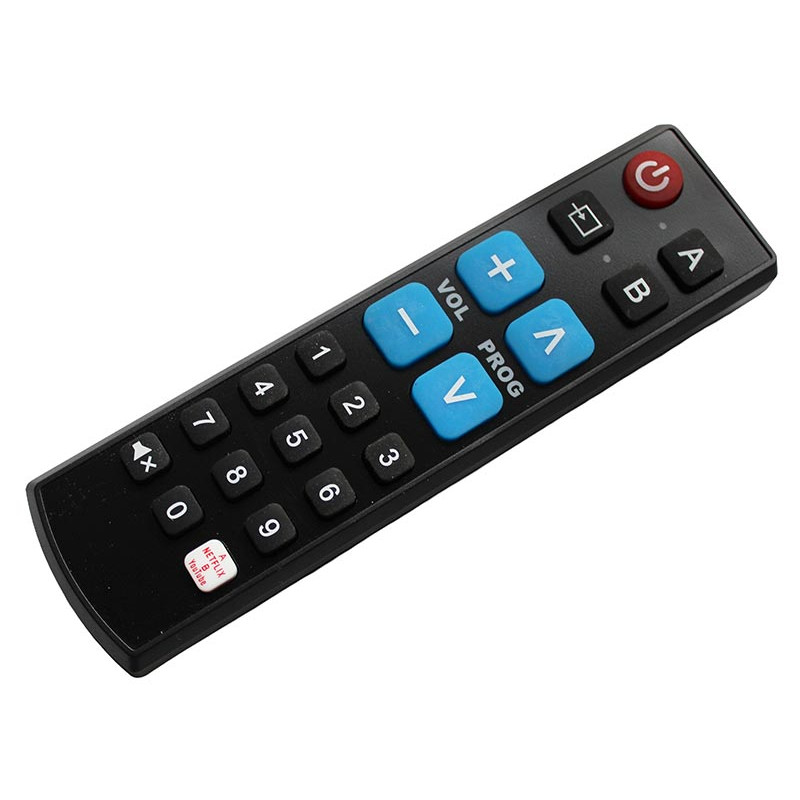

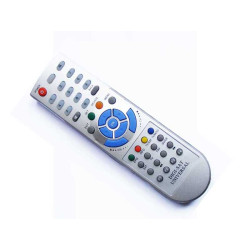
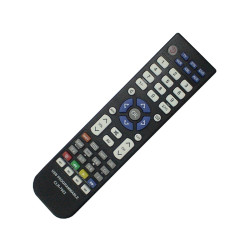
It can be used for 2 devices, having 2 locations (A and B) to store 2 types of remote controls.
Steps for programming
It can be used for 2 devices, having 2 locations (A and B) to store 2 types of remote controls.
The steps for programming are described below:
Step 1
Press buttons "A" and "Channel V" at the same time.
Press both buttons for at least 5 seconds until the corresponding indicator A lights up.
The learning system is on now.
For programming source B press button "B" instead of button "A".
Step 2
Hold the sending end of the established remote aiming at the receiving end of Alien remote (distance 2-5cm).
Step 3
Press the button of Alien remote control which you want to program. The indicator will flash 3 times.
Step 4
Press the targeted button of the original remote control.
When receiving the correct data, LED will light for 1 second and then flash 3 times.
Step 5
To learn other buttons repeat steps 3 + 4 until the end of all learning.
Step 6
When learning is completed, press button "A" to exit learning state. If the learning system B is set at the first step, please press "B" to save and exit.
This website uses cookies to ensure you get the best experience on our website